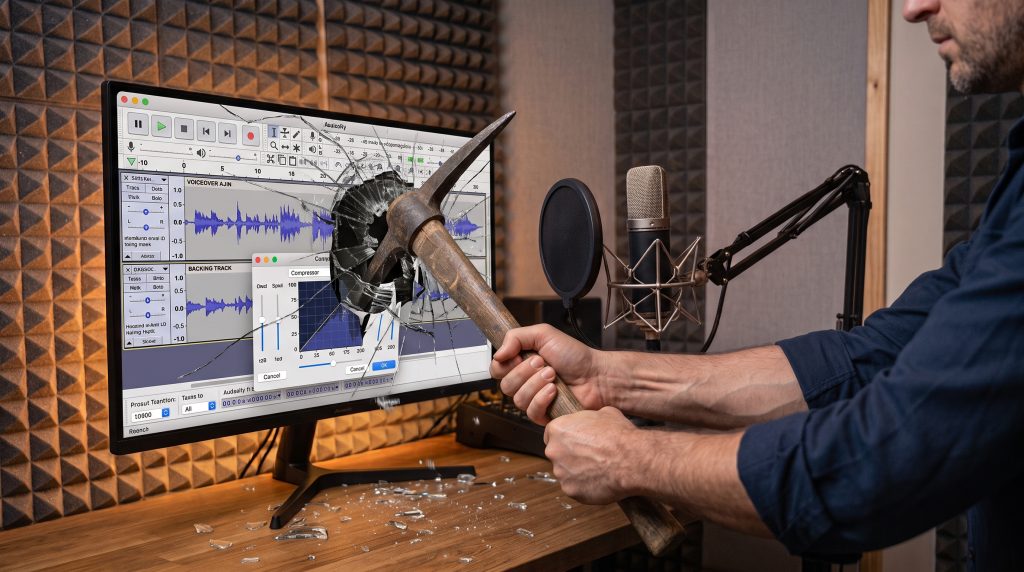
Regular readers of my blog, students at GFTB, and anyone who has ever stood within earshot of me at a voiceover event will know my historical stance on Audacity.
To put it delicately: Audacity 3 and those before really were the most awful shit.
I have spent years advising voice actors to run a mile from it. It was clunky, visually hideous, plagued with bugs, and had a nasty habit of eating hard drive space like a greedy child in a sweet shop.
So, write this date down in your diaries. Print this article out and frame it. Because today, I am going to say something I never thought would cross my lips: Audacity 4 is actually excellent.
For the first time ever, I am fully behind the software. In fact, it is now hands-down the best free Digital Audio Workstation (DAW) on the market for voice artists.
Here is why it went from an absolute nightmare to something I’m genuinely happy to recommend.
What Made the Old Versions So Infuriating?
If you were unfortunate enough to use Audacity 3 or its ancient predecessors, you’ll know exactly what I’m talking about.
1. The Layout Was Visually Offending
The old user interface looked like it had been designed in 1995 for Windows 95 and then promptly abandoned. Spotting micro-errors, mouth clicks, or breath truncations was a nightmare because the waveforms looked horrible – thin, jagged, and low-res. Trying to do precise audio editing was like trying to perform eye surgery with a pair of oven gloves.
2. The Disk Space Black Hole
Older versions had a infuriating habit of bloating project files. You’d record a quick two-minute commercial audition, make a couple of tiny edit cuts, and suddenly your hard drive was weeping because Audacity had secretly gobbled up gigabytes of temporary data and unnecessary disk space in the background.
3. Bugs, Crashes, and Instability
Let’s not forget the random crashes, lost data, and bizarre audio driver bugs that plagued previous builds. Asking a beginner voice actor to set up a reliable recording workflow in Audacity 3 was a recipe for tears.
The Overhaul: What’s Changed in Audacity 4?
The developers finally stopped sticking plaster over an old engine and gave the software a complete redesign from the ground up.
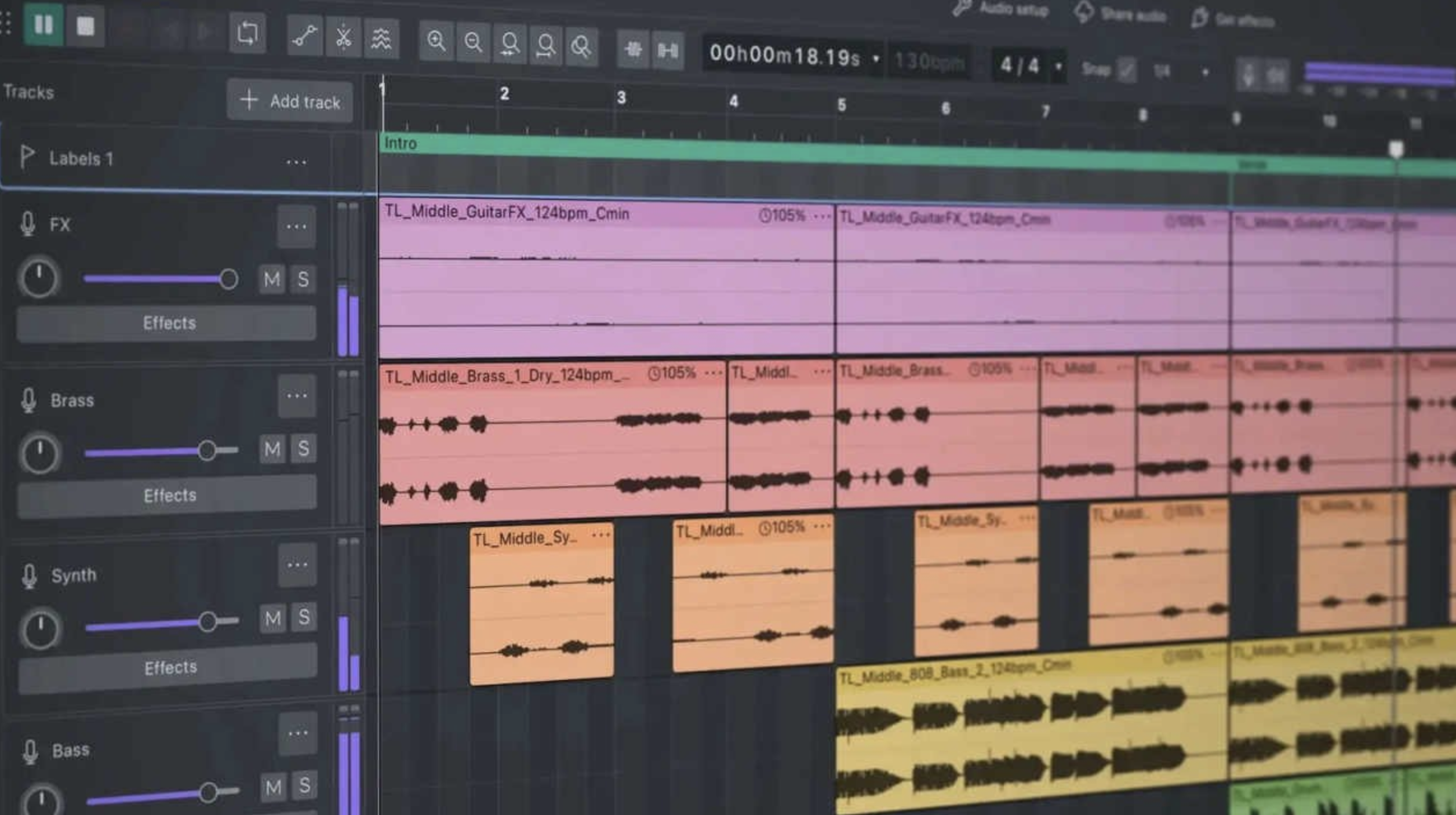
(Audacity 4 overhauled DAW layout with Dark Mode. Source: eGamers.io)
Dark Mode (And an Interface That’s Not Like Poking Needles In Your Eyes)
First off, it looks fantastic. The fresh modern design – and specifically the Dark Mode feature – means you can actually edit in a dimly lit vocal booth for six hours without coming out looking like a startled owl. The visual scaling of the waveforms is crisp, clean, and vastly superior for spotting editing mistakes.
Better Usability for Voice Actors
It’s significantly easier to navigate. Now, a word of caution here: you still need to select the correct viewing mode (Linear dB) to work properly as a voice actor so you can gauge your levels and dynamics accurately. But switching between views and managing your track headers is now completely seamless rather than feeling like solving a Rubik’s cube.
Real-Time Dynamics: Real-Time Compressors!
Hallelujah! They have finally worked out that compressors need a real-time visual view to be used effectively!
In the old days, applying compression in Audacity was a game of blind faith: you typed in numbers, hit apply, looked at the squashed waveform, hated it, hit Ctrl+Z, and tried again. Now, you can actually see and tweak your compression curves and gain reduction in real-time as the audio plays.
Is It Perfect?
No, it’s not perfect. It’s worth noting that Audacity still doesn’t have a dedicated destructible waveform editor window in the way a traditional dedicated waveform editor does, and although it has loads of great features, it’s not Adobe Audition just yet.
However, as a full-fledged, multi-track DAW, it now works surprisingly well. It handles tracking, non-destructive editing, third-party VST plugins, and master rendering with ease. And…it IS free!
The Verdict
If you’re just starting out in voiceover and don’t have the budget yet for Pro Tools, Adobe Audition or Reaper:
Use Audacity 4.
I used to tell people that using Audacity was a penalty you paid for not spending money on proper software. I take it back. With this new version, the developers have pulled off a miracle.
It’s fast, it’s stable, it looks modern, and most importantly, it’s free. I am now fully behind it – and you have my official permission to download it without me scoffing at your life choices.
Hugh Edwards
Sept 26
Sept 26